Dr.Web CureNet!
A solution for remote centralised curing on Windows PCs and servers, including those running different anti-virus software, regardless of local network size.
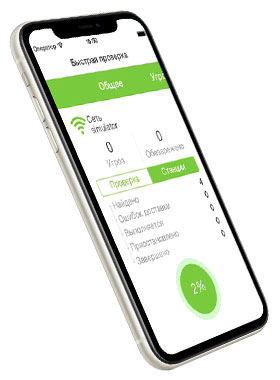
- Windows and iOS devices support the launch of the Dr.Web CureNet! Administrative Console and the distribution of curing scanners
- To operate, Dr.Web CureNet! does not require a server nor does it require Dr.Web scanners to be installed on Windows machines or servers.
- The Dr.Web CureNet! Wizard can be run from any removable media including USB data storage devices.
- Dr.Web scanners for Windows are not installed; they are merely launched and then remove themselves at the end of each scanning session. You can disable network access for a target machine while it is being scanned to avoid a recurring infection or to prevent an infection from spreading to other network nodes.
How it works
Search for network hosts and launch Dr.Web scanners for Windows on target machines remotely with the Dr.Web CureNet! Administrative Console. The Administrative Console is an application for Windows and can be used on any computer running Windows XP Professional Service Pack 2 or later; Windows Server 2003 SP1 or later; Windows Vista (only Business, Enterprise or Ultimate editions) SP1 or later; Windows Server 2008; Windows 7 (only Professional, Enterprise and Ultimate editions); Windows Server 2008 SP2; Windows 8 and 8.1 (only Professional and Enterprise editions); Windows Server 2012; Windows 10 The Dr.Web CureNet! Administrative Console can be run from any removable media including USB data storage devices.

|
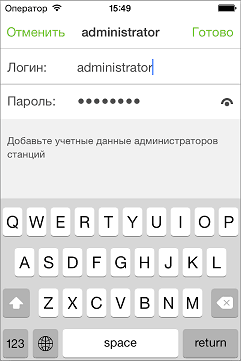
It connects to the host using current user privileges or uses a list of passwords to access local network machines. |
|
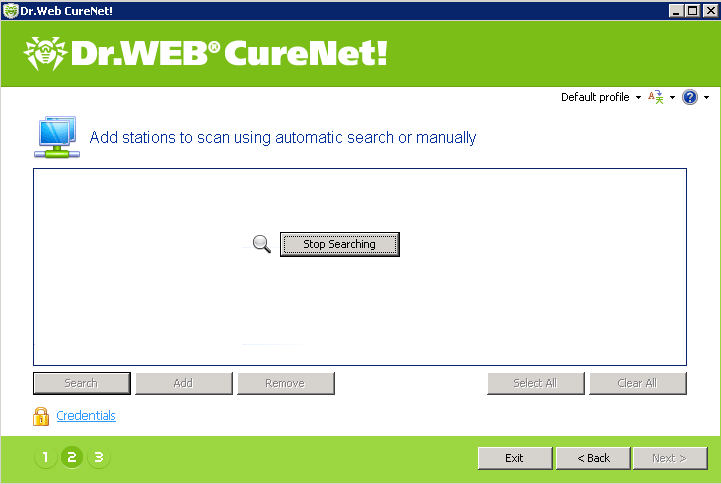
The Administrative Console scans the network for available hosts before the anti-virus software is distributed among them. |

|
You can choose to perform scanning on all available hosts or select specific desktops and servers that require a virus check. Hosts are selected by their IP addresses, according to a specified IP address range, a mask or a NetBIOS name. |
|
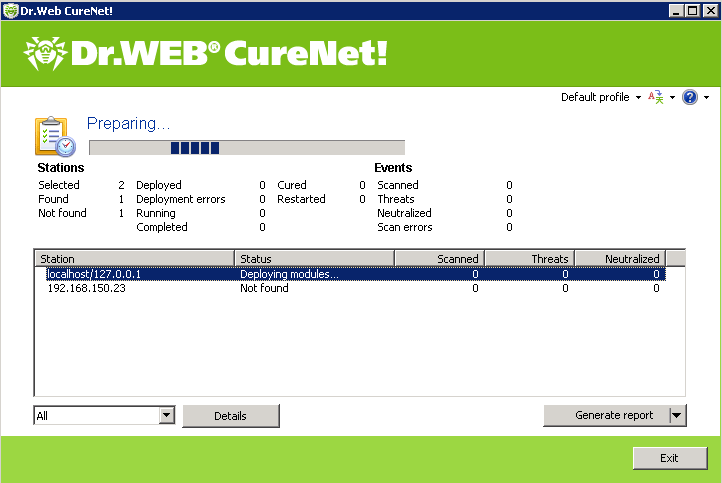
When the search is complete, all available hosts will be displayed in the Administrative Console window. |
Scanning features

|
Two types of scanning—Express and Full—let you choose the scanning depth required in any particular situation. The default settings are the best choice in most cases. |
|
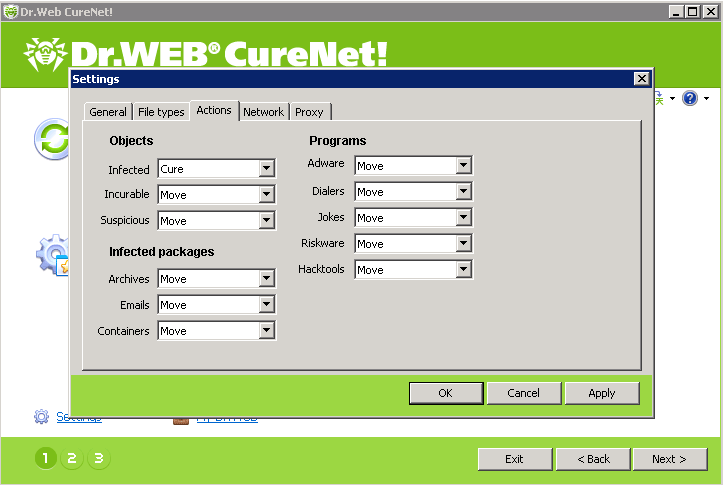
You can also customise Dr.Web CureNet! scanner responses to various events. For more information, see also Features. |
|
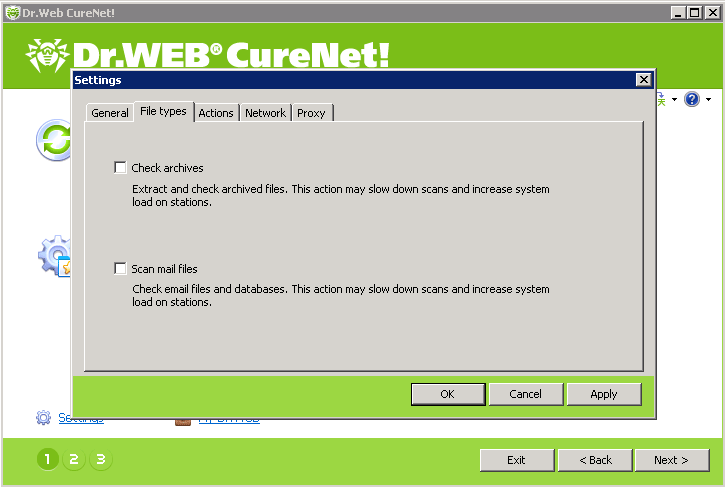
To speed up the scanning process, archives and/or email files can be excluded from scanning.
Suspicious objects are moved to the quarantine located on the PC running the Dr.Web CureNet! Administrative Console. |
|
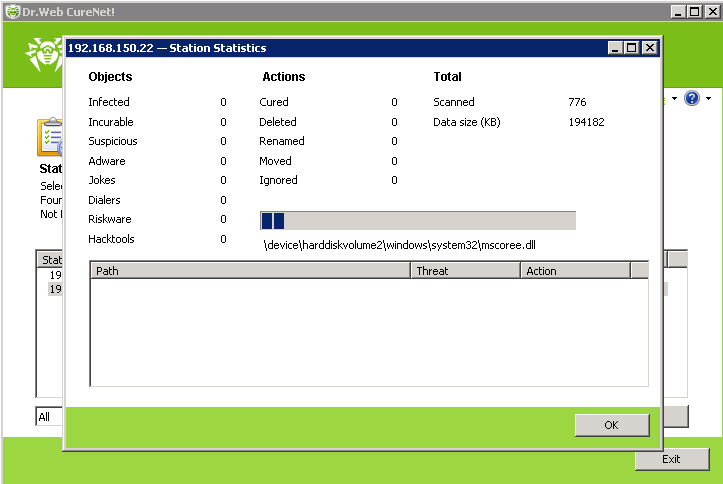
Once the scanners are launched, scanning progress information is displayed in real time in the Dr.Web CureNet! Administrative Console statistics tab. |
|
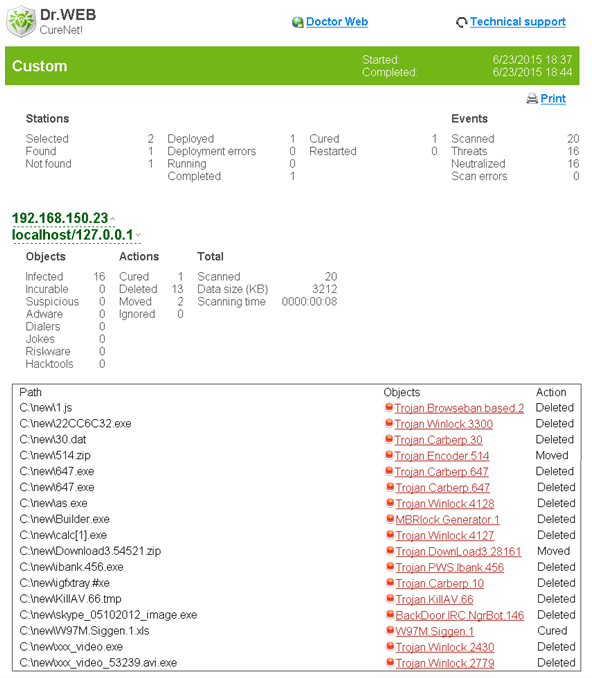
A scanning report is saved on the computer that runs the Dr.Web CureNet! Administrative Console once the virus check is complete. It contains the names and IP addresses of the systems scanned and the status of the virus check. |
How it works
Search for network hosts and launch Dr.Web scanners for Windows on target machines remotely with the Dr.Web CureNet! Administrative Console. The Administrative Console is an application for iPhone 4 and iPod touch 4 or later models running iOS 7.0 or higher.
|
It connects to the host using current user privileges or uses a list of passwords to access local network machines. |
|
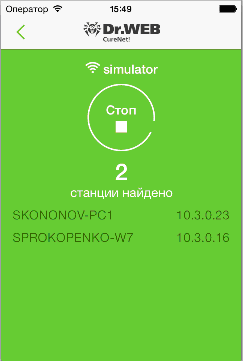
The Administrative Console scans the network for available hosts before the anti-virus software is distributed among them. |
|
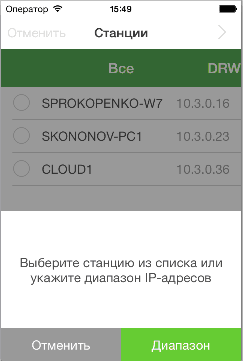
You can choose to perform scanning on all available hosts or select specific desktops and servers that require a virus check. Hosts are selected by their IP addresses, according to a specified IP address range, a mask or a NetBIOS name. |
|
When the search is complete, all available hosts will be displayed in the Administrative Console window. |
Scanning features
|
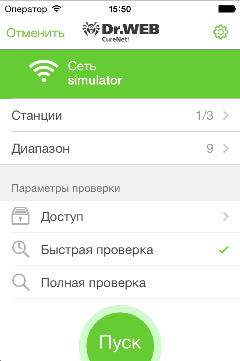
Two types of scanning—Express and Full—let you choose the scanning depth required in any particular situation. The default settings are the best choice in most cases. |
|
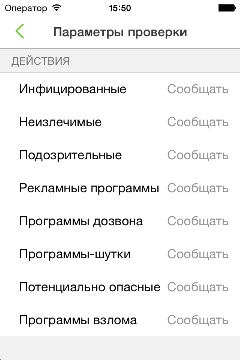
You can also customise Dr.Web CureNet! scanner responses to various events. |
|
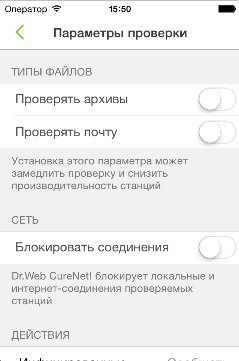
To speed up the scanning process, archives and/or email files can be excluded from scanning. |
|
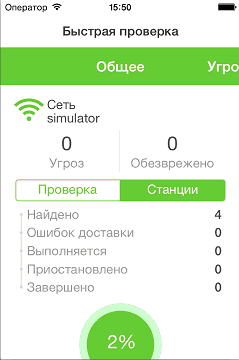
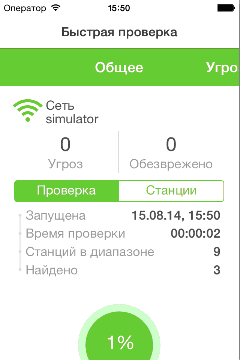
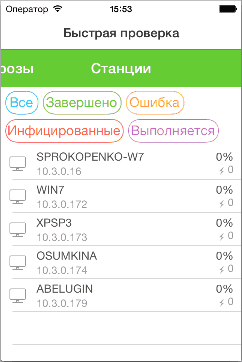
Once the scanners are launched, scanning progress information is displayed in real time. |
|
A report showing the actions taken by Dr.Web CureNet! is displayed at the end of each curing session. |
